
See it in action
FlipKraft demos
Ten FlipKraft demos you can use right now. Drag, click, search and zoom, then open any cover to see the book full size.
FlipKraft turns PDFs and images into page-turning flipbooks for WordPress, with a 3D page curl and a flat fallback. Every demo here runs on the free plugin. Read what FlipKraft does, or see what Pro adds.
Try it now
This is a real book, running the free plugin. Turn the pages however you like.
- Drag a page corner to curl the page
- Press the search button and look for “oak”
- Open the menu to see thumbnails and jump to any page
- Zoom in on a page, or go fullscreen
Different kinds of book
FlipKraft turns PDFs and images into books that fit the content.
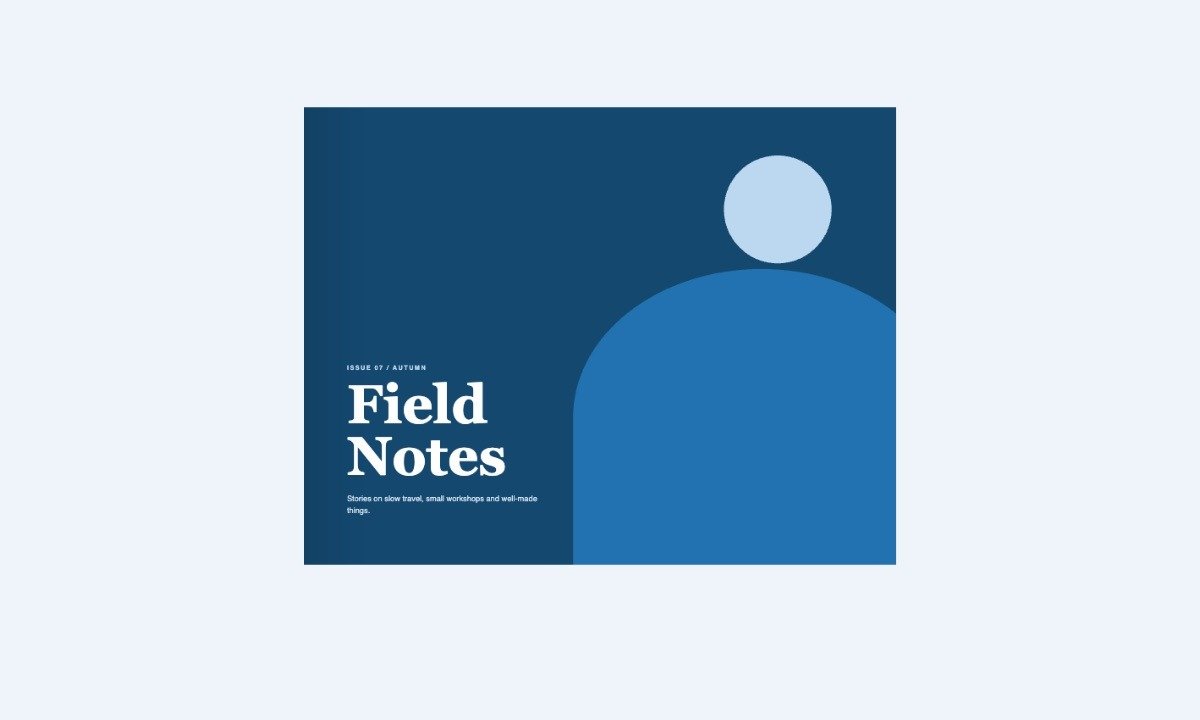
Magazine
A landscape PDF magazine shown as two-page spreads.
Option: pdf="ID"
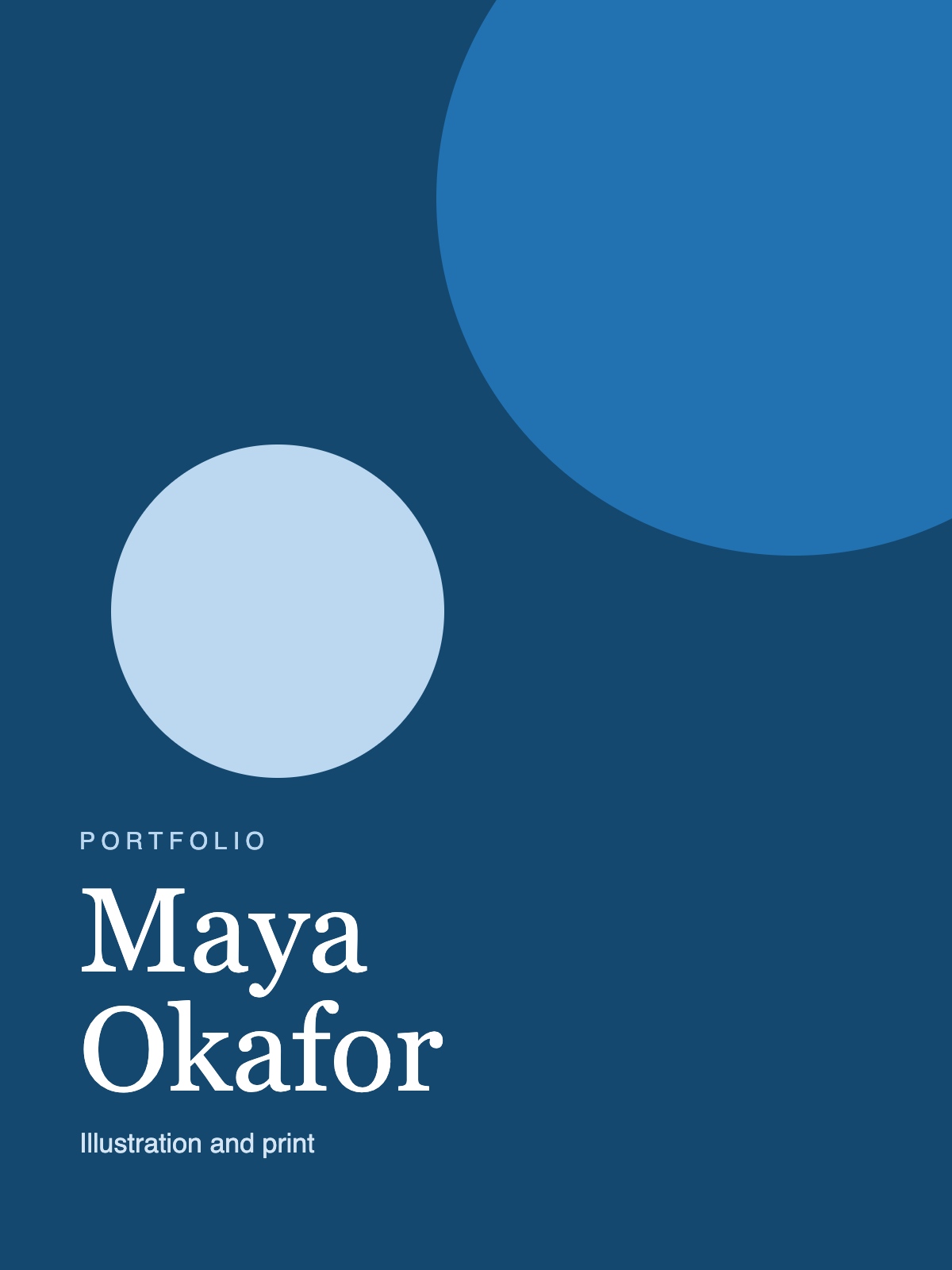
Photo portfolio
A book built from images in your media library. No PDF needed.
Option: images="ID,ID,…"
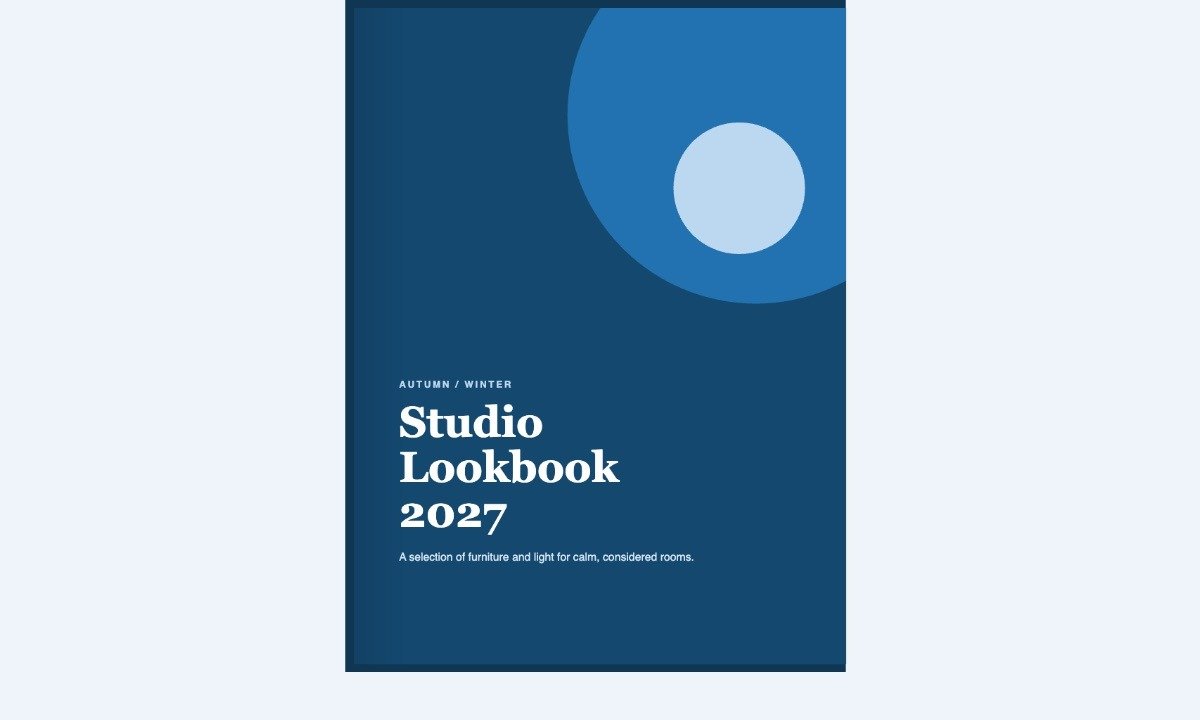
Hardcover book
Hard front and back covers with a board around the book, in a colour you choose.
Option: cover3d="1" hard="cover"
Page effects and layouts
Change how the pages move and where the book opens.
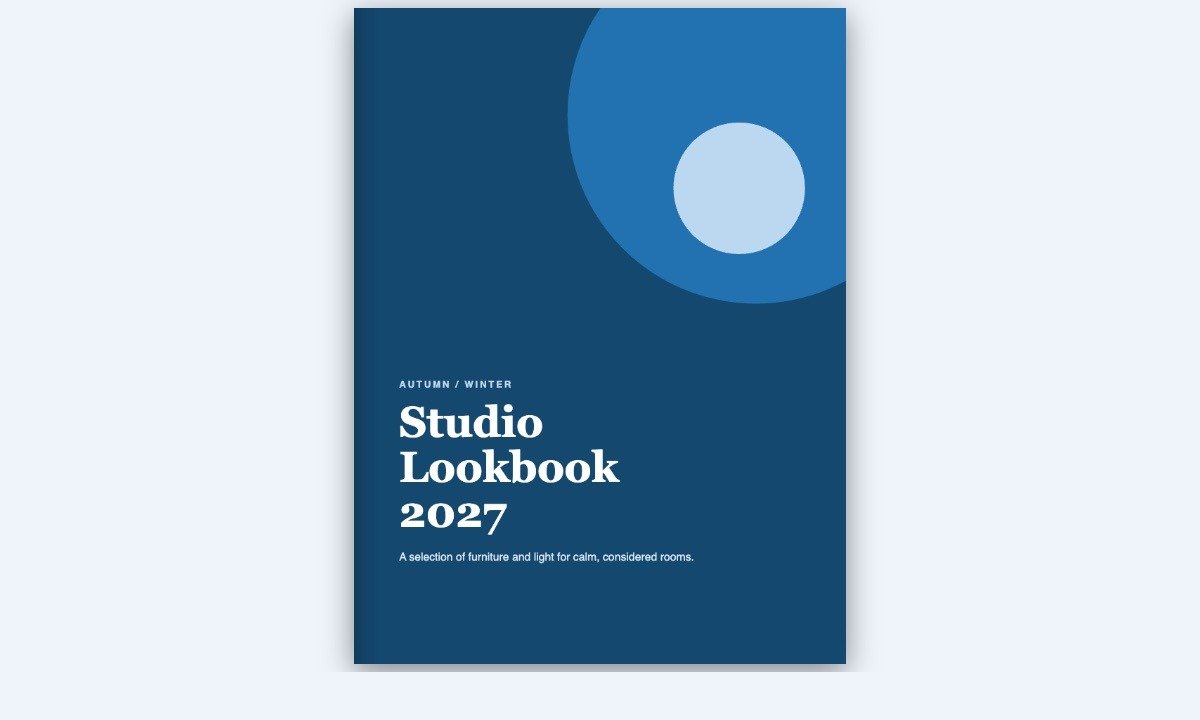
Flat page turn
A folding 2D page turn that needs no WebGL, for browsers or sites that prefer it.
Option: effect="peel"
3D tilt
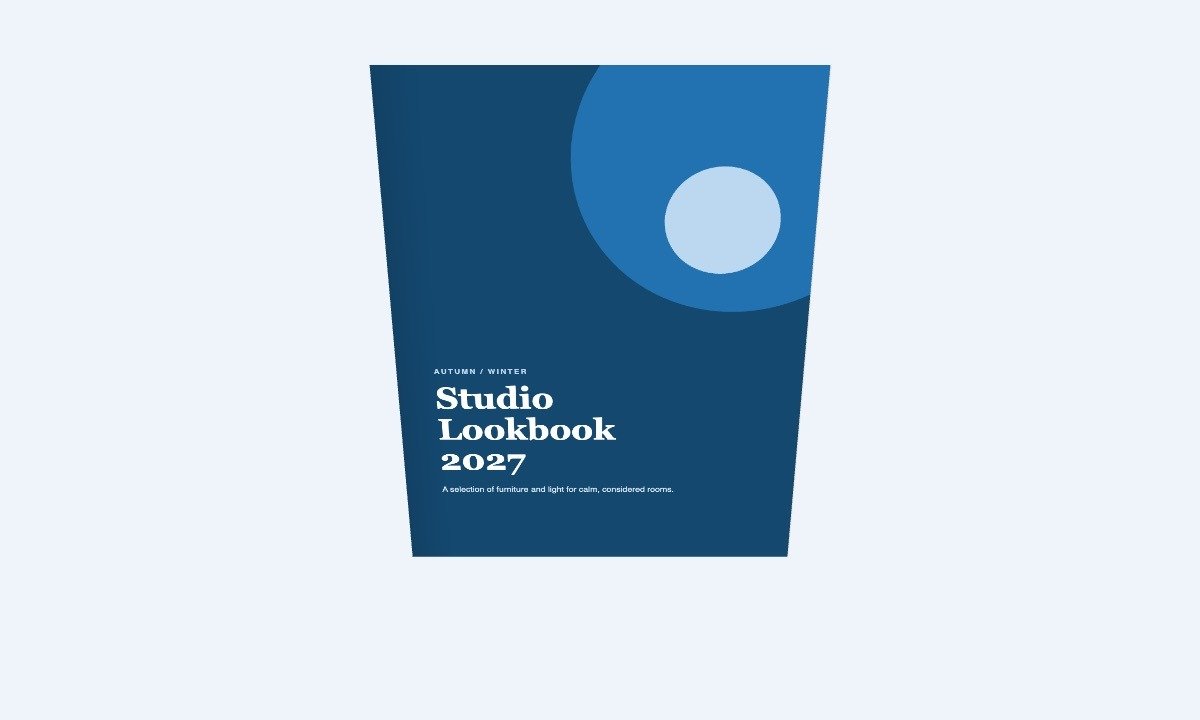
Tilts the book back in 3D. Turn pages with the arrows or the keyboard.
Option: tilt_up="28"
Open at any page
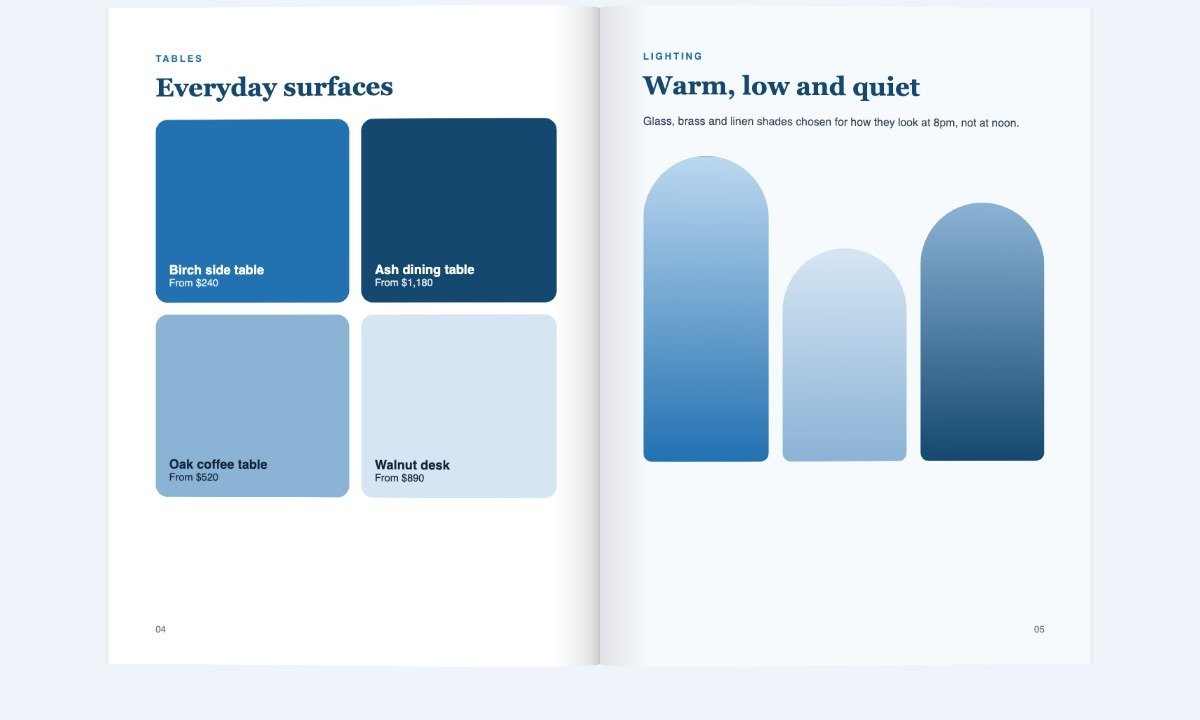
Opens a long document on the page you choose, such as a chapter or a price list.
Option: start="4"
Ways to open a book
A right-to-left book, plus three ways to put a book on your page.
Right to left
Reads from right to left, for languages such as Arabic and Hebrew. The cover sits on the right.
Option: rtl="1"
Our new lookbook is out.
Text link
One line puts a link in your text that opens the book in a lightbox.
Option: mode="link"
Cover with title
A cover thumbnail with the title underneath, taken from the first page automatically.
Option: mode="thumb"
How these demos are made
Each demo is one shortcode on a book you upload to the media library, either a PDF or a set of images. Options such as effect, tilt_up, rtl or start change how the book moves and where it opens. Paste the same shortcode into any post or page, or use the FlipKraft block in the editor.
[flipkraft pdf="123" effect="peel"]Questions about the demos
Do the demos use the free plugin?
Yes. Every demo here runs on the free FlipKraft plugin. FlipKraft Pro is an add-on that brings hotspots, access control, reader analytics and branding on top.
Can I use my own PDF or images?
Yes. Upload a PDF, or pick images from your media library, and add a shortcode or the FlipKraft block. The book looks like the ones above.
What if a visitor’s browser has no WebGL?
The book falls back to a flat 2D page turn automatically, so the visitor can still read it.
Try it on your own book
Upload a PDF or pick images, add one shortcode, and your book looks like these. FlipKraft Pro adds interactive pages, access control, reader analytics and your own branding.