
WordPress flipbook plugin
3D PDF flipbooks for WordPress
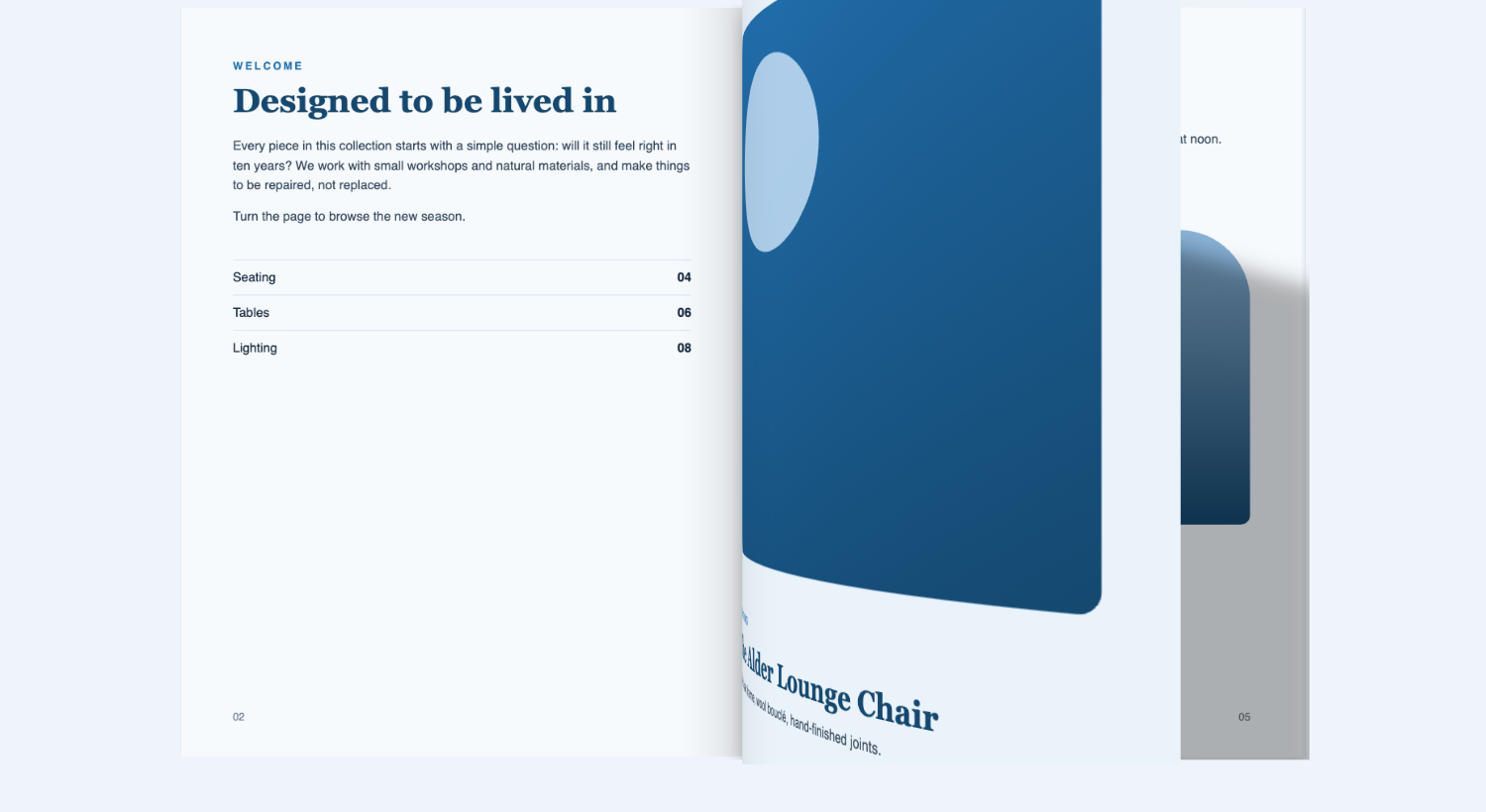
Turn a PDF or a set of images into a flipbook that feels like paper. Visitors drag, click or swipe to curl the pages, and browsers without WebGL get a flat page turn automatically.
- Free plugin
- No account needed
- Works without WebGL
Need hotspots, access control or analytics? See FlipKraft Pro.
Why FlipKraft
Show catalogs, magazines and brochures the way people expect to read them, without sending your files to anyone else.
Feels like paper
Drag a corner, click, tap or swipe. Pages bend with soft shading, and turn flat if the browser has no WebGL.
Your files stay yours
Everything runs in the visitor’s browser. No account, no external service, and your PDFs and images stay on your own site.
Add it anywhere
Use a shortcode or the FlipKraft block, show a grid of covers, and open each book in a lightbox. The Classic editor has an Add FlipBook button too.
Searchable PDFs
PDF books keep their selectable text, clickable links, search, thumbnails and table of contents.
Everything in the free plugin
Build a book from a PDF or images, place it anywhere, and give readers the tools they expect. All of it is in the free plugin.
01
Build
- Make a book from a PDF, or from images in your media library
- Set options per book, with site-wide defaults under FlipBooks, Settings
- Override any option for a single shortcode
- Translation ready: every visible string can be translated
02
Show
- Add it with a shortcode or the FlipKraft block, or the Add FlipBook button in the Classic editor
- Show a grid of covers by category and open each book in a lightbox
- Choose single-page or two-page view, right-to-left books and hard covers
- Set page-edge colours and a 3D tilt
03
Read
- Thumbnails and a table of contents
- Search, text selection and clickable links in PDF books
- Zoom and pan, fullscreen, share, download and print
- Autoplay and page-turn sounds
Works with WordPress 5.0 or later and PHP 7.0 or later.
FlipKraft Pro
Go further with FlipKraft Pro
Interactive pages, private books, reader insights and your own branding. One Pro plan includes all of it, with no separate add-ons.
Make pages interactive
Draw clickable areas on any page of a book, right in the editor.
- Links and jumps to another page
- Image, video (YouTube, Vimeo or MP4) and audio popups
- Text popups for notes, prices or captions
Control who can read
Put a book behind a password, a login or an email address, and keep the leads.
- Password, logged-in role or email gate
- Leads list with CSV export
- WordPress privacy export and erase tools built in
See what readers do
Know which books get opened and how far people read, without tracking individuals.
- Views, pages reached, downloads, shares and prints
- No cookies and no IP addresses stored
- Old data is pruned automatically
Make it yours
Match the viewer to your brand and show your whole library on a shelf.
- Toolbar themes and your own logo
- Page watermark and right-click protection
- Bookshelf layout for the library grid
Pro is an add-on and needs the free FlipKraft plugin.
Free and Pro compared
The free plugin is a complete flipbook viewer. Pro adds four modules.
| Feature | Free | Pro |
|---|---|---|
| Books from PDFs or images | Yes | Yes |
| 3D page curl, with a flat fallback | Yes | Yes |
| Shortcode, block, library grid and lightbox | Yes | Yes |
| Thumbnails, contents, search, zoom, share, download and print | Yes | Yes |
| Hotspots with link, image, video, audio and text popups | No | Yes |
| Password, login and email gates, with a leads list | No | Yes |
| Reader analytics without cookies | No | Yes |
| Toolbar themes, logo, watermark and bookshelf layout | No | Yes |
One Pro plan, every feature
Choose 1, 5 or 25 sites and pay yearly or once. No add-ons.
Launch pricing: 30% off, applied automatically at checkout
Up and running in minutes
Three steps from a PDF to a flipbook on your site.
1
Install
Install FlipKraft from the Plugins screen and activate it.
2
Add a book
Go to FlipBooks, Add New. Choose a PDF, or pick images from your media library, then publish.
3
Show it
Copy the shortcode into any post or page, or add the FlipKraft block.
Your book’s shortcode looks like this:
[flipkraft id="12"]Questions
Does it need an external service or an account?
No. Everything runs in the visitor’s browser, and your files are served from your own site.
What does it need to run?
WordPress 5.0 or later and PHP 7.0 or later. FlipKraft Pro also needs the free FlipKraft plugin.
What if a visitor’s browser has no WebGL?
The book falls back to a flat 2D page turn automatically, so the visitor can still read it.
Does it work with the block editor and the Classic editor?
Yes. There is a FlipKraft block, and an Add FlipBook button in the Classic editor. The FlipBooks themselves are edited in a classic-style settings screen.
Can I use a PDF from another website?
Yes, but the other site must allow cross-origin requests (CORS) for the PDF. Uploading the PDF to your media library avoids the problem.
Why do image books have no search or text selection?
Images carry no text. Use a PDF with a text layer if you need search and selection. Image books also have no download.
What is not included?
Vertical page turns, calendar mode, booklet mode and print page ranges are not available.
Does Pro work without the free plugin?
No. FlipKraft Pro is an add-on and needs the free FlipKraft plugin.
Are my PDFs fully protected with Pro?
Pro access control gates the book and uses expiring file links. That deters casual copying, but anything a browser can display can be copied, so it is not a substitute for real DRM.
Still have a question? Ask our support team.